
New Text File
macOS
The missing little right-click.
Create a text or Markdown file exactly where you need it. A small native Finder extension that puts a Create New submenu where it belongs, without opening an editor or a terminal first.
Make Finder a little betterNative Finder extension
macOS 14+
Signed and notarized
No device activation
Inside the app.
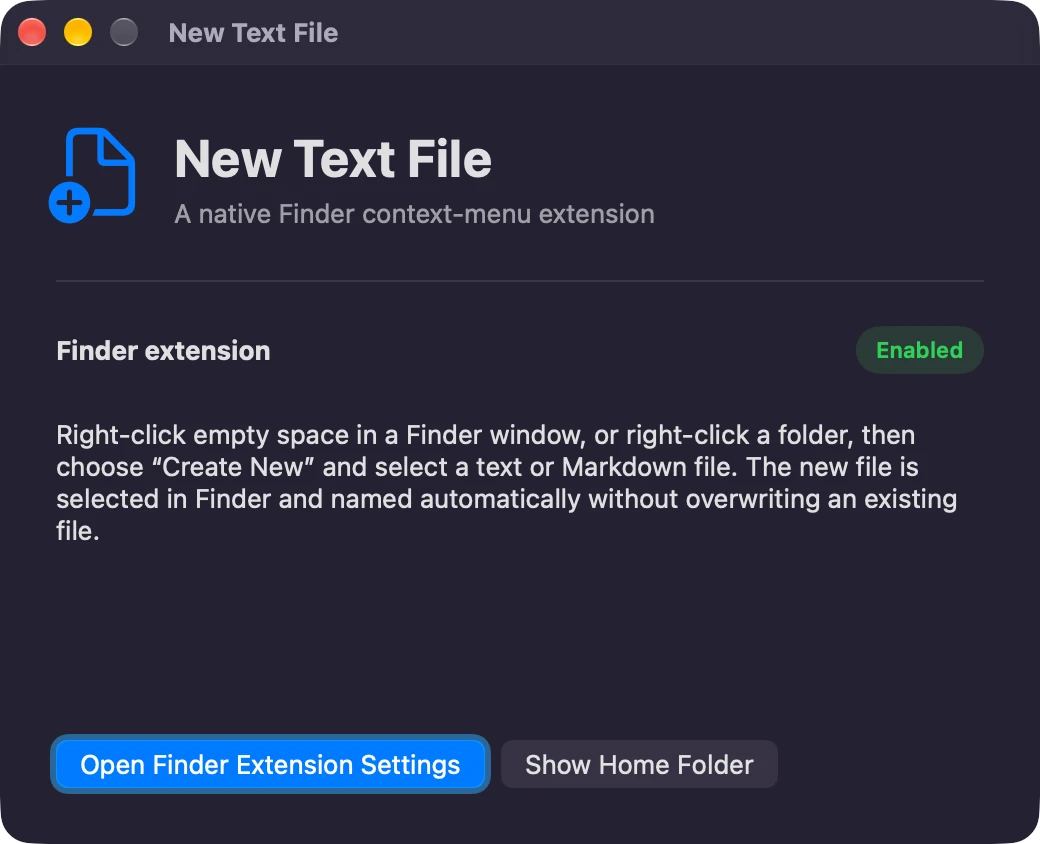
A small action, exactly where it belongs.
01
Choose a folder
Use the location you are already working in, including writable mounted drives.
02
Create New
Choose a text or Markdown file from Finder's right-click submenu.
03
Give it a name
The new file is selected and ready to rename. Existing files stay untouched.
Just enough. Done properly.
Right where you are
Right-click a Finder background, folder, or file to create a new document in the relevant folder.
Text or Markdown
Start with an empty .txt or .md file. Finder selects it so you can give it a name and get on with your work.
Small, not careless
Existing files are never overwritten. Numbered names keep each new file distinct, including on writable mounted shares.
Get New Text File
A one-time purchase, with installer delivery and recovery through your secure purchase portal.
$4.99
One-time purchase
macOS 14 or later / Apple Silicon and Intel. Applicable taxes are shown at checkout.
Version 1.1.1. Installer downloads are included in your purchase. The current release does not require device activation.
After payment, Polar emails a secure route to your license key and downloads. Already own it? Find your purchases.
A note on your data.
No analytics, account, or direct network connection. The Finder extension creates a file only when you invoke its command; NAS access uses the existing mounted filesystem.
A few useful answers.
macOS 14 or later. Open the app once and enable its Finder extension in System Settings. Xcode and Terminal are not required.
Yes, on writable mounted volumes, including NAS shares. Read-only or disconnected locations cannot accept a new file.
More from Mantiqo.
Merge Folders
macOS
Scattered folders. One place.
Bring the contents of several folders together from Finder. Review the destination, move the contents into one folder, and keep both files when names collide.
Finder essentials
QuietLook
macOS
Your previews. Your volume.
Keep the sound setting you choose in Finder's Space-bar Quick Look previews. Start muted, then remember your preferred mute or volume when you close a preview, switch files, or sign in again.
Finder essentials

RepoDeck
macOS / Windows / Linux
All your projects. A clearer perspective.
Bring local folders and GitHub repositories into one project command center. Go from a portfolio-wide view to a focused workspace, with Git changes, resources, guided actions, and runs close at hand.
Developer tools